How can we help you today?
Your teacher can set up a class in three different ways, and the type they choose determines how you’ll join and participate.
- Guest Mode
- Google Sign-In
- Rostered through an LMS or other rostering platform
1. Guest Mode
Your teacher can share the class link, show a QR code, or give you a passcode to join.
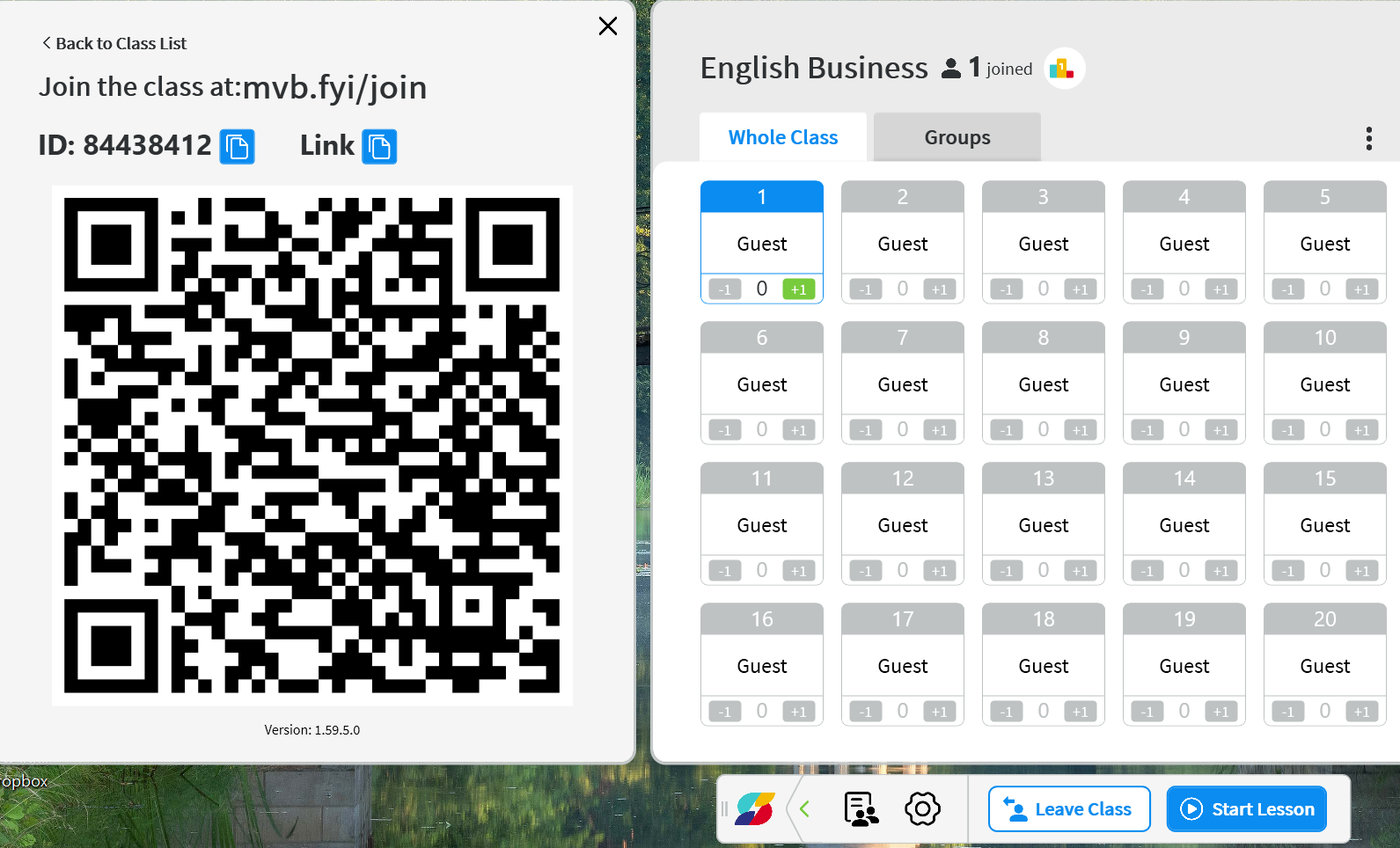
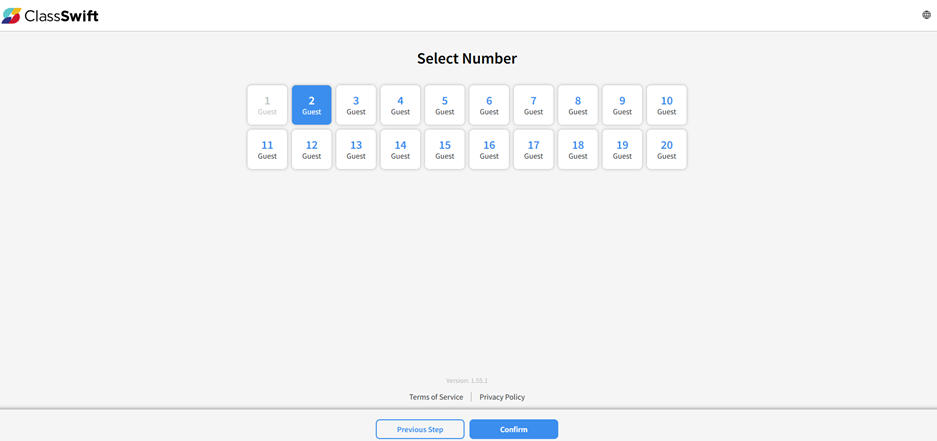
Once you join the class, you’ll be asked to pick a seat and confirm it.
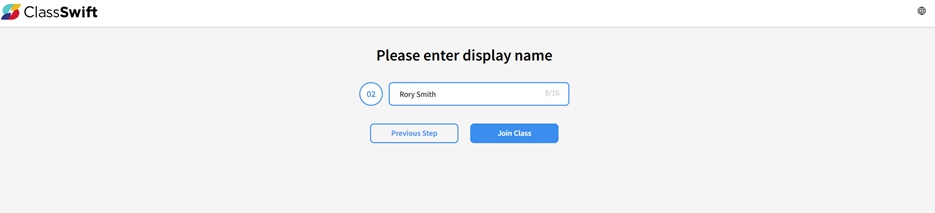
Enter your display name and click Join Class to enter the session.
Wait until your teacher starts the lesson. In Guest Mode, no student data is collected. Learn more in this article.
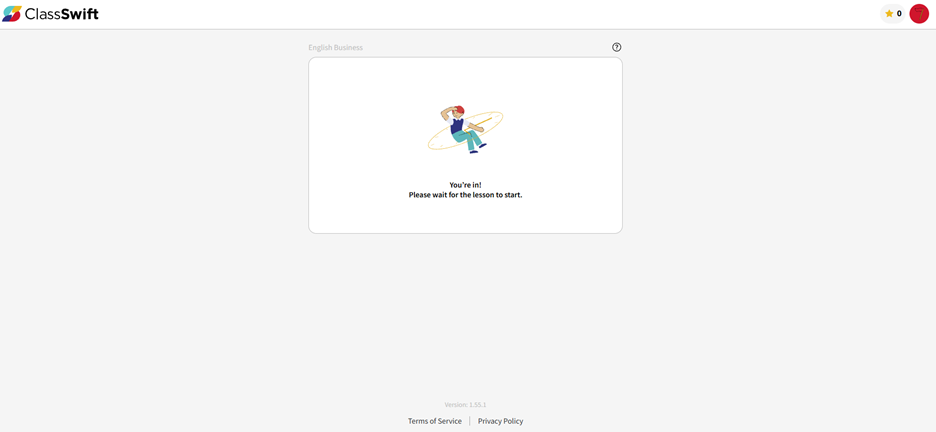
2. Google Sign-In
Just like Guest Mode, your teacher can share the class link, show a QR code, or give you a passcode. The difference is that you’ll be asked to sign in with your Google email account.
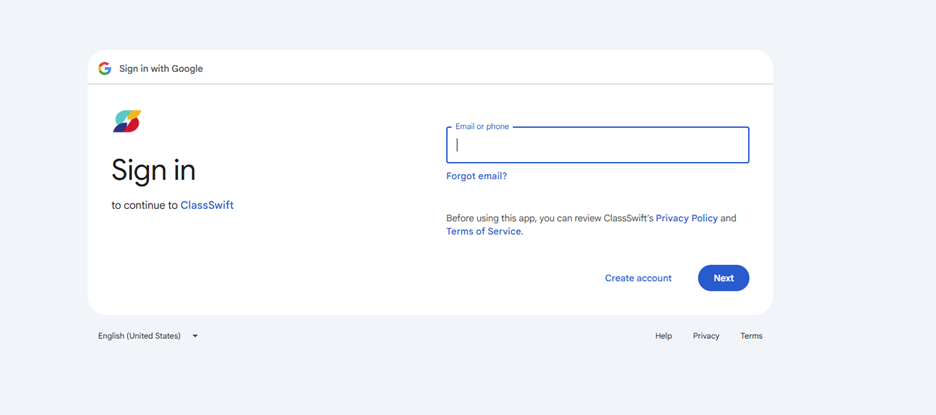
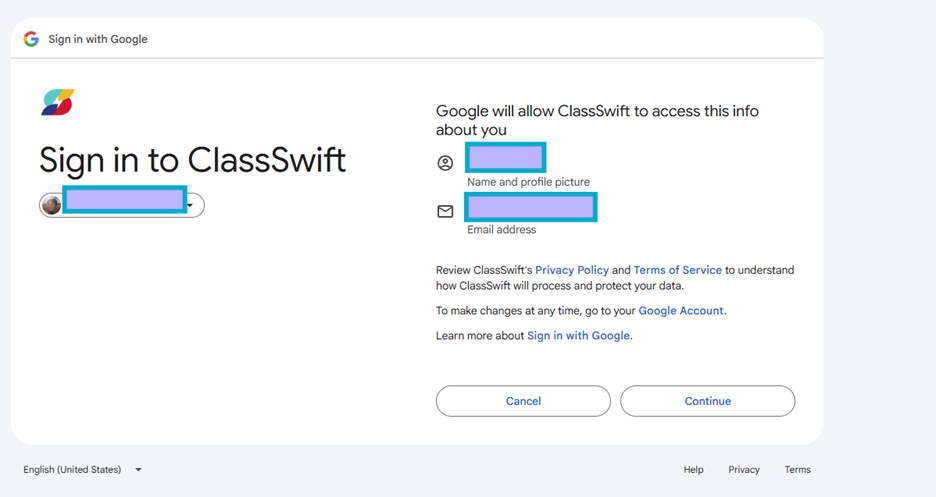
Review the instructions and click Continue to join the session.
You’re in and ready to learn
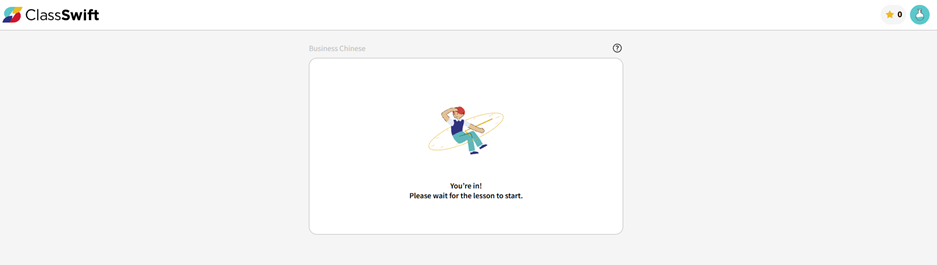
You’ll only need to do this once, the first time you join the class.
3. Rostered through an LMS
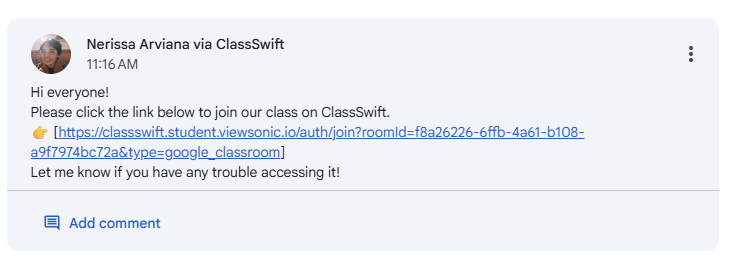
This section covers Google Classroom specifically. Joining works the same way as with Google Sign-In, and you can also find the session link in your Google Classroom post.